
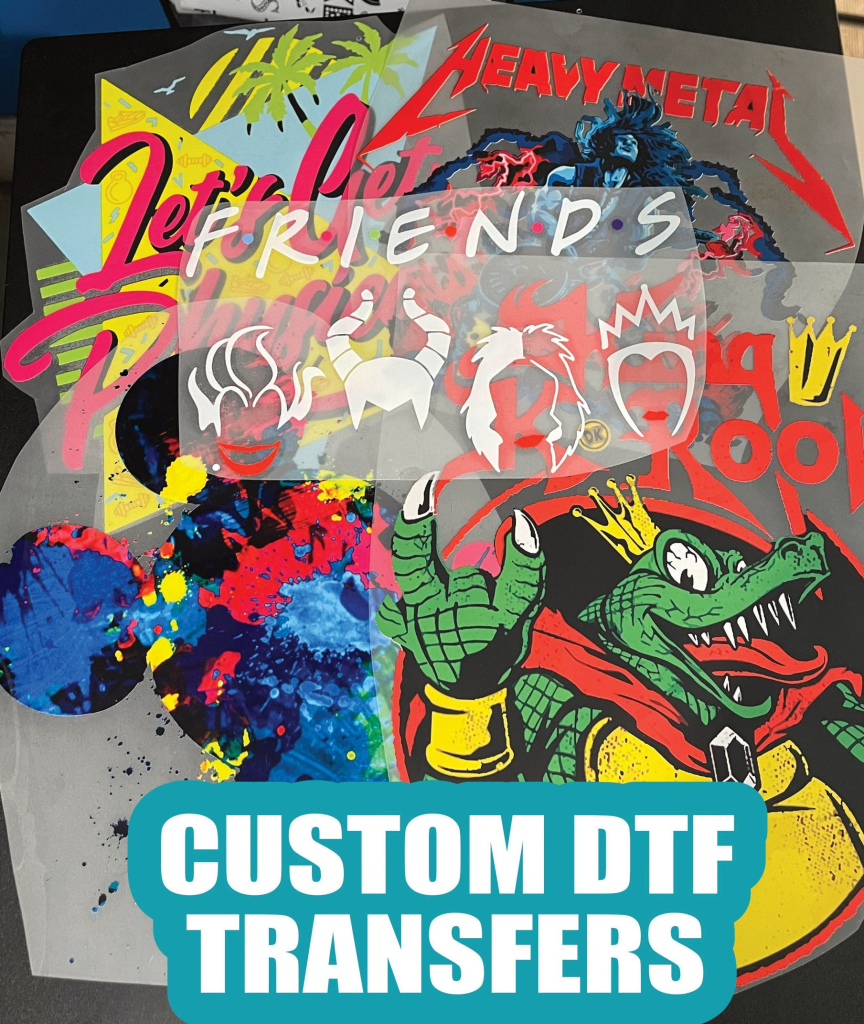
DTF transfers, or Direct to Film transfers, have emerged as a game-changer in the textile printing industry, providing an efficient method for applying vibrant, long-lasting designs to various fabrics. While the technology presents unique advantages, many users face challenges that can impede their success, such as adhesion issues in DTF transfers and color fading. This guide delves into the most common DTF transfer problems, offering actionable solutions to enhance your printing experience. From troubleshooting DTF transfers to ensuring proper printer settings, our goal is to equip you with the knowledge you need to overcome any obstacles. With a solid understanding and the right tools, you’ll transform your projects into stunning pieces of wearable art.
The realm of Direct to Film transfers encompasses innovative techniques in fabric decoration, allowing for high-quality prints that stand out. This printing method, often referred to as DTF printing, enables the transfer of vibrant graphics onto textiles, appealing to both businesses and creative enthusiasts. However, like any process, users may encounter various challenges, including issues related to adhesion, print quality, and color accuracy. By identifying these DTF transfer problems and their respective solutions, you can streamline your workflow and improve the final results. Understanding these dynamics is crucial for anyone looking to excel in the world of fabric printing.
Understanding Common DTF Transfer Issues
DTF transfers, while a fantastic method for fabric decoration, are not without their challenges. Many users encounter similar problems, particularly around adhesion and color accuracy. Understanding these common pitfalls is the first step to effective troubleshooting. Issues like poor adhesion can stem from various factors, including improper heat settings or inadequate pre-treatment of the fabric. When your transfers fail to stick, it not only affects the aesthetic quality of the print but can also lead to wasted materials and increased costs.
Moreover, color fading and incorrect hues are prevalent complaints. This can occur if the DTF printing settings are not properly calibrated or if inferior inks are used. By recognizing these issues, you can implement preventative measures before they escalate into significant problems, ultimately ensuring your printing process runs smoothly and consistently.
Solving Adhesion Issues in DTF Transfers
Adhesion problems are among the most frequently encountered issues when it comes to DTF transfers. When transfers don’t adhere properly, it can result in designs that lift or don’t completely bond with the fabric. To solve these problems, it’s crucial to start with the right fabric preparation. Fabric should be thoroughly cleaned and pre-treated with an appropriate adhesive, as any remnants of oils or moisture can impede the bonding process. Additionally, adjusting heat press settings can greatly enhance adhesion quality.
Another effective solution is to ensure you’re using the compatible transfer paper and that it’s heated evenly across the surface. This involves not just the correct temperature but also evaluating the pressure applied during the heat transfer. A well-maintained heat press, combined with careful monitoring of these variables, can drastically improve the adhesion of your DTF transfers.
Addressing Color Fading with DTF Printing
One of the frustrations in DTF printing is color accuracy, particularly when prints come out faded or washed out. This often stems from incorrect printer settings or the use of low-quality inks. It’s essential to ensure that your printer is calibrated correctly and that you’re utilizing the right color profiles for your specific inks. Testing prior to full production runs can help pinpoint any discrepancies and correct them before a significant batch is affected.
In addition to printer settings, make sure the inks are fresh and of high quality. Inks that have been stored improperly or are outdated can lead to subpar results, emphasizing the importance of using reliable suppliers and regularly checking stock. This proactive approach to color management can greatly enhance the vibrancy and longevity of your DTF printed designs.
Preventing DTF Transfer Peeling and Cracking
Transfer peeling and cracking are common issues that can dramatically affect the durability of your DTF prints. These problems may arise from an uneven application of heat or insufficient pressure during the transfer process. To combat this, first assess your heat press settings—ensuring that both the time and temperature are set appropriately. Conducting a few test presses can help fine-tune these settings for the best results.
Maintaining consistent pressure across the transfer surface is equally vital. This can often be overlooked, but ensuring that the transfer is evenly pressed into the fabric can improve adhesion significantly and contribute to the overall longevity of the print. Keeping a routine maintenance schedule for your heat press can also help avoid such issues.
Managing Paper Residue on Fabrics After DTF Transfers
After applying DTF transfers, some users report residual paper stuck on the fabric, which can be frustrating. To prevent this, it’s highly recommended to use a protective layer such as a Teflon sheet or parchment paper during the pressing process. This not only helps achieve a cleaner finish but also protects both the fabric and the transfer from potential damage.
If you do find adhesive residue after peeling off the transfer paper, gentle adhesive removers specifically designed for fabric can assist in cleaning the area without compromising the material. This highlights the importance of using proper techniques and tools to ensure that your DTF transfers look great and last longer.
Choosing the Right Materials for DTF Transfers
The compatibility of materials used in DTF transfers can directly impact the success of the application. Some fabrics may not respond well to the DTF process, leading to subpar results. It’s essential to verify that the transfer paper and inks are appropriate for the fabric you are using. For instance, while DTF works wonderfully on cotton and polyester blends, certain synthetic materials might require different handling to achieve optimal results.
Before starting a project, performing test transfers on sample fabric can help identify potential issues related to material compatibility. This foresight can save time and resources, ensuring that businesses and hobbyists alike can achieve the highest quality in their DTF printing endeavors.
Frequently Asked Questions
What are common DTF transfer problems and how can I fix them?
Common DTF transfer problems include poor adhesion, color fading, print quality issues, transfer peeling, and residue on fabric. To fix adhesion problems, ensure proper pre-treatment and adjust heat settings. To address color fading, check printer settings and use high-quality inks. For print quality, clean the printhead and maintain your printer regularly. Transfer peeling can be mitigated by checking heat and pressure settings, while residue can be removed with a gentle adhesive remover.
How do I troubleshoot DTF transfer adhesion issues?
To troubleshoot adhesion issues in DTF transfers, verify that the fabric is clean and pre-treated with an appropriate adhesive. Adjust the temperature and time settings on your heat press to enhance adhesion. It’s essential to ensure that no contaminants are on the fabric surface before applying the transfer.
What causes color fading in DTF transfers and how can I prevent it?
Color fading in DTF transfers can occur due to incorrect printer settings or low-quality inks. To prevent this issue, ensure the color profiles are properly set in your printer settings and use high-quality inks specifically for DTF printing. Conducting test prints before full runs can also help identify color issues early.
How can I fix print quality issues with DTF transfers?
To fix print quality issues such as streaks or pixelation in DTF transfers, start by cleaning the printhead to eliminate any clogs. Regular maintenance of your printer is crucial, as well as using fresh, high-quality inks. Make sure to also check the transfer film for compatibility and quality.
What should I do if my DTF transfer is peeling or cracking?
If your DTF transfer is peeling or cracking, re-assess your heat press settings, ensuring that you apply adequate and even heat. Also, ensure that there is sufficient pressure during the pressing process. If necessary, reapply the transfer to achieve better results.
Is there a compatibility issue with certain fabrics for DTF transfers?
Yes, not all fabrics are compatible with DTF transfers. Fabrics like cotton and polyester blends work well, while others may not adhere properly. Always verify the compatibility of transfer paper and inks with the specific fabric before starting your project to ensure successful application.
| Common Problems | Description | Solutions |
|---|---|---|
| Poor Adhesion of Transfers | Transfers do not stick properly to fabric, leading to lifting or detachment. | Ensure pre-treatment of the fabric, clean surface, and adjust heat press settings (increase time and temperature). |
| Color Fading or Incorrect Colors | Colors are washed out or not vibrant after application. | Check printer settings, use accurate color profiles, conduct test prints, and use high-quality inks. |
| Print Quality Issues | Streaks or pixelation disrupt professional quality. | Clean printhead regularly and maintain printer health, replace expired inks. |
| Transfer Peeling or Cracking | Transfers may peel off or crack over time. | Ensure even heat application and adequate pressure during pressing. |
| Paper Residue on Fabric | Residue may remain on fabric after peeling transfer paper. | Use Teflon sheets during pressing, clean residue with gentle adhesive remover if needed. |
| Incorrect Material Compatibility | Certain fabrics may not be compatible with DTF transfers. | Verify compatibility of transfer paper and inks with the fabric type. |
Summary
DTF transfers are an innovative solution for fabric decoration, but they can pose challenges. By understanding and troubleshooting common problems such as poor adhesion, color issues, and print quality, you can enhance your printing experience. Proper preparation, regular maintenance, and informed practices will not only improve the durability and vibrancy of your DTF transfers but also ensure professional results. Embrace these strategies to achieve stunning, long-lasting designs that stand out on any fabric.