
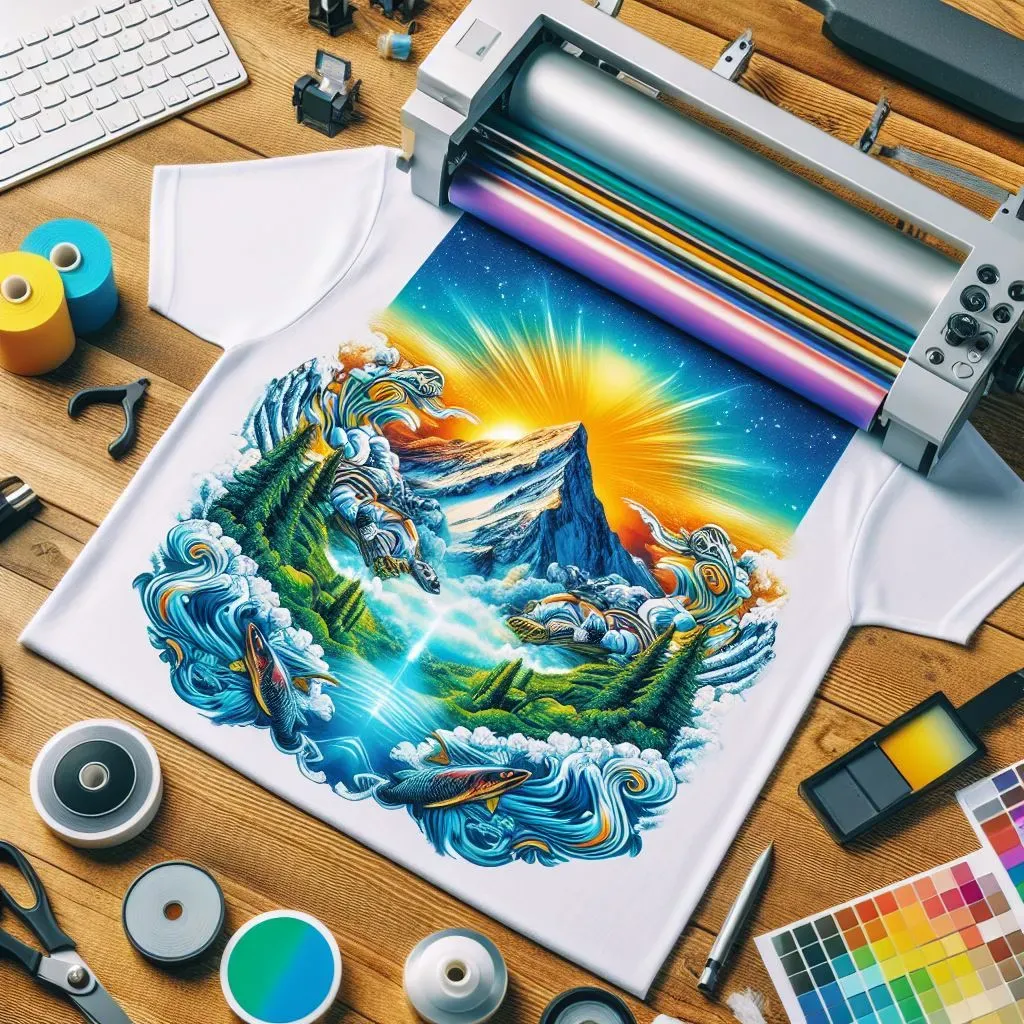
DTF Transfers mistakes can derail even the most exciting printing projects, especially for those new to this innovative technology. As Direct-to-Film printing continues to rise in popularity among custom apparel businesses, many encounter a range of DTF printing errors that can affect the quality of their final product. Common DTF mistakes include inadequate image preparation, incorrect printer settings, and improper ink selection, all of which can lead to disappointing outcomes. To ensure a successful transfer, it’s essential to understand how to use DTF transfers correctly and implement effective DTF transfer tips. In this post, we will explore the pitfalls to avoid and provide insights on how to enhance your DTF printing quality.
When diving into the world of Direct-to-Film technology, recognizing the potential missteps is crucial for achieving outstanding designs. Issues with DTF transfer applications often stem from the inherent nuances of working with heat transfer methods and specialized inks. Grasping the fundamental aspects of DTF printing can help you navigate through challenges, ensuring vibrant and durable results that truly stand out. By familiarizing yourself with common pitfalls and adhering to best practices, you can enhance your custom printing experience. This guide aims to illuminate these frequent mistakes and offer solutions to take your DTF projects to the next level.
Avoiding DTF Transfers Mistakes for Quality Results
When venturing into DTF printing, understanding and avoiding common mistakes is paramount to achieving high-quality results. One of the key errors is inadequate image preparation, which can lead to pixelated prints and a lack of vibrancy. To mitigate this issue, always select high-resolution images that are at least 300 dpi and in a compatible format for printing. Additionally, utilizing graphic design software effectively will ensure your images are optimized for the DTF process, resulting in clearer and sharper designs.
Moreover, ensuring proper printer settings is crucial to prevent poor transfer quality. Each printer has unique specifications, including ink density and media settings, which need to be adjusted for DTF transfers. It’s advisable to consult your printer’s manual for tailored recommendations and to conduct tests to identify the ideal settings that ensure vibrant colors and clear images. By focusing on these preparatory steps, you can drastically improve the output quality of your DTF transfers.
Understanding DTF Printing Errors
DTF printing can yield beautiful results when executed correctly, but several printing errors can arise if the process is neglected. Common DTF mistakes include using the wrong type of ink or failing to prep the fabric adequately. Non-specialty inks can result in dull prints, as they lack the necessary formulation for proper adherence and color vibrancy. Always opt for inks designed specifically for DTF printing to ensure your designs pop with color and detail.
Furthermore, neglecting the pre-treatment step for certain fabrics can lead to disheartening results. If the fabric does not properly prepare for the transfer, you may find designs peeling or cracking upon washing. Understanding the needs of your substrate—whether it requires a special adhesive layer or pre-treatment—can make a significant difference in the durability of your final product. By safeguarding against these errors, you can enhance your DTF printing experience.
Essential DTF Transfer Tips for Beginners
For those just starting out with DTF transfers, having a set of best practices can significantly improve your results. First and foremost, invest in high-quality printing equipment and supplies. This includes ensuring that your printer is capable of handling DTF transfers and using durable, compatible transfer films. Additionally, maintaining optimal conditions for printing can help reduce errors associated with humidity and temperature.
Another tip is to consistently perform quality control checks throughout the printing process. By inspecting your initial transfers, you can catch potential issues early on and adjust your methods accordingly. Whether it’s verifying color accuracy or checking for ink adhesion, regular quality assessments can save you significant time and resources in the long run, ensuring each batch meets your standards.
Mastering the Heat Press Technique for DTF Transfers
Heat pressing is an essential process in DTF printing that demands attention to detail. Setting the correct temperature, pressure, and time is critical for achieving optimal transfer results. A common pitfall is using incorrect heat press settings, which can cause either inadequate adhesion or damage to the fabric. Always refer to the guidelines provided for the specific materials you’re working with, and consider investing in a digital heat press that offers precise control.
Additionally, regular maintenance of your heat press is vital to ensure consistent performance. Over time, heat presses can lose their effectiveness, resulting in uneven transfers or burned fabrics. Routine calibration and inspection of your equipment can help maintain the standards required for high-quality DTF transfers. By mastering the heat press technique, you can greatly enhance the durability and appeal of your designs.
Curing Time: The Key to Longevity in DTF Transfers
After applying a DTF transfer, it’s crucial to allow for adequate curing time. Skipping or rushing this step can lead to poor durability, resulting in faded or peeling designs after washing. It’s essential to follow the manufacturer’s guidelines regarding curing times, which can differ based on the type of inks and substrates used. Ensuring that your transfers cure properly will significantly extend the lifespan of your printed items.
Moreover, understanding the chemistry behind the curing process can also be beneficial. Curing allows the inks to bond with the fabric, creating a strong and lasting image. Factors such as ambient temperature and humidity can influence the curing time, so consider these environmental conditions when planning your production schedule. By respecting the curing stage, you’ll not only enhance the visual quality of your transfers but also ensure they withstand regular wear and tear.
Conducting Quality Control Checks for DTF Printing Success
Quality control checks are a crucial component in the DTF printing process, allowing for consistent, high-quality results. By routinely inspecting your prints during the production process, you can identify any inconsistencies or errors before they escalate into significant issues. Start by examining the first few items in each batch to confirm that the colors, clarity, and adhesive quality meet your standards.
Additionally, implementing a feedback loop can help improve your processes over time. Encourage team members to report any anomalies they observe in the print quality or adherence. This collaborative approach not only enhances the quality of your DTF transfers but also fosters a culture of continuous improvement in your production facility. Staying vigilant about quality checks can save time, resources, and ultimately elevate your brand’s reputation.
Frequently Asked Questions
What are the most common DTF printing errors that affect transfer quality?
Common DTF printing errors include inadequate image preparation, incorrect printer settings, and improper ink selection. These mistakes can lead to pixelated images, dull colors, and overall poor transfer quality. Always ensure your images are high-resolution, adjust printer settings according to your machine, and use compatible inks for vibrant results.
How can I avoid common DTF mistakes during the preparation process?
To avoid common DTF mistakes, start with high-resolution images (minimum 300 dpi) and ensure they are in a DTF-compatible format. Adjust your printer settings according to the specifications for DTF printing. Taking these steps seriously will improve the quality of your transfers significantly.
What tips can improve DTF printing quality and minimize mistakes?
To improve DTF printing quality, focus on image preparation, select the right inks, and pre-treat fabrics as necessary. Additionally, ensure proper film handling and calibrate your heat press settings for temperature and pressure. Following these DTF transfer tips will help minimize mistakes and enhance your print quality.
Why is pretreatment necessary for DTF transfers, and how do I avoid mistakes?
Pretreatment is crucial for ensuring that DTF ink adheres properly to certain fabrics. Neglecting this step can lead to peeling or cracking designs. Always check if your fabric requires pretreatment and follow the manufacturer’s guidelines to achieve successful transfers without encountering common DTF mistakes.
What are the heat press mistakes to avoid when using DTF transfers?
Heat press mistakes can severely affect DTF transfers. Common errors include incorrect temperature, pressure, or timing. Always refer to the material’s guidelines, regularly calibrate your heat press, and ensure that each transfer is applied correctly to achieve optimal results.
How can I ensure adequate curing time for DTF transfers and avoid fading?
To prevent fading in DTF transfers, it’s essential to follow recommended curing times after heat pressing. Rushing this process can lead to poor durability of the designs. Make sure to consult the instructions specific to your inks and substrates to allow sufficient curing time for best results.
| Mistake | Description | Solution |
|---|---|---|
| Inadequate Image Preparation | Using low-resolution images can lead to poor quality prints. | Always use high-resolution images (at least 300 dpi) and optimize them in graphic design software. |
| Incorrect Printer Settings | Not adjusting printer settings for DTF can lead to disappointing results. | Refer to printer’s manual for DTF settings and conduct test prints. |
| Improper Ink Selection | Wrong ink types can result in dull colors. | Use inks specifically designed for DTF printing. |
| Neglecting Pretreatment | Skipping pretreatment can cause designs to peel off. | Follow manufacturer’s instructions for pretreatment if required. |
| Incorrect Film Handling | Moisture damage can ruin transfer effectiveness. | Keep film dry and store it properly away from moisture. |
| Heat Press Mistakes | Incorrect heat press settings can ruin prints. | Calibrate heat press and follow recommended guidelines for each material. |
| Not Allowing Enough Curing Time | Rushing curing can lead to faded designs. | Follow recommended curing times for durability. |
| Skipping Quality Control Checks | Not inspecting work can lead to larger production errors. | Perform quality control checks throughout the printing process. |
Summary
DTF Transfers Mistakes can significantly compromise the quality of your printing projects if not avoided. Understanding direct-to-film transfers is crucial for achieving stunning designs on textiles. Newcomers often fall prey to common pitfalls such as inadequate image preparation and incorrect printer settings, which detract from the final product’s vibrancy and clarity. Each aspect of the DTF process, from selecting the right inks to ensuring proper heat press settings, must be meticulously managed to prevent flaws like peeling or fading. By recognizing these mistakes and adhering to best practices, you can elevate your DTF transfers, ensuring that your garments not only look professional but also meet the highest standards of quality.